Your game. Not your desktop.
Point it at the game window and that is all it can see. The message that arrives mid-fight is not in the clip, because it was never in the capture. Safe to post without cropping.
Native on macOS
Hindsight keeps the last 15 seconds to 5 minutes ready in memory. Press your shortcut after the play to save an MP4. No recording to start and no moment missed.
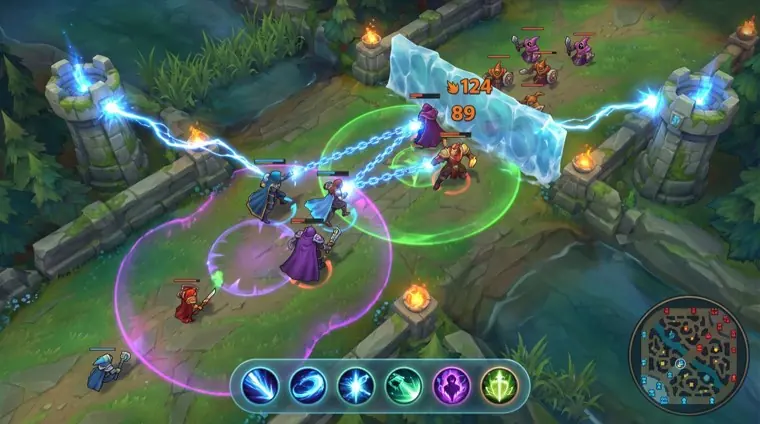
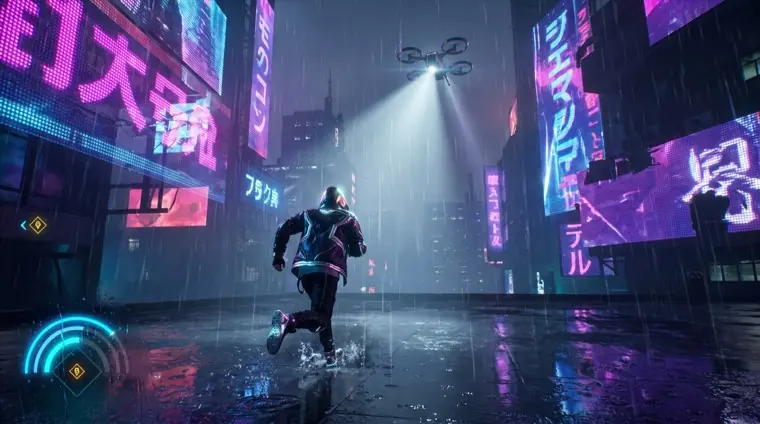
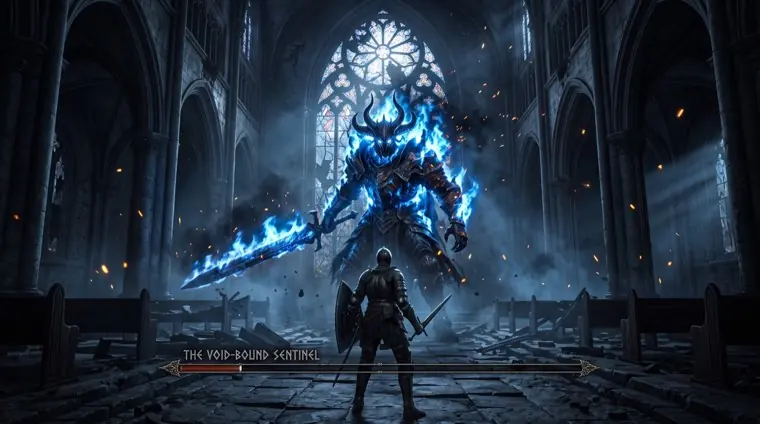
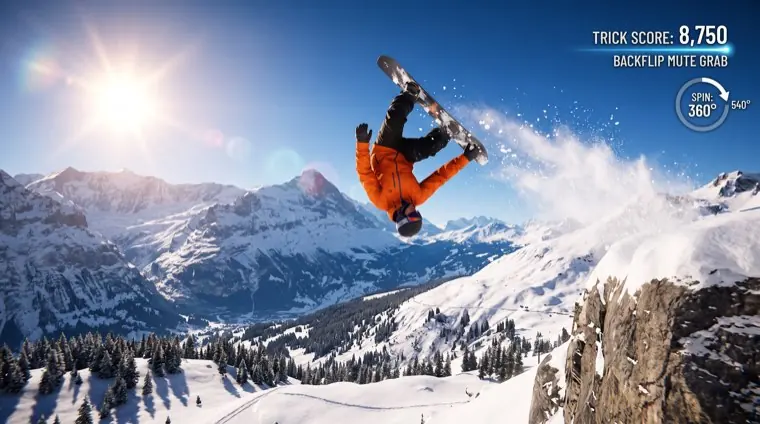
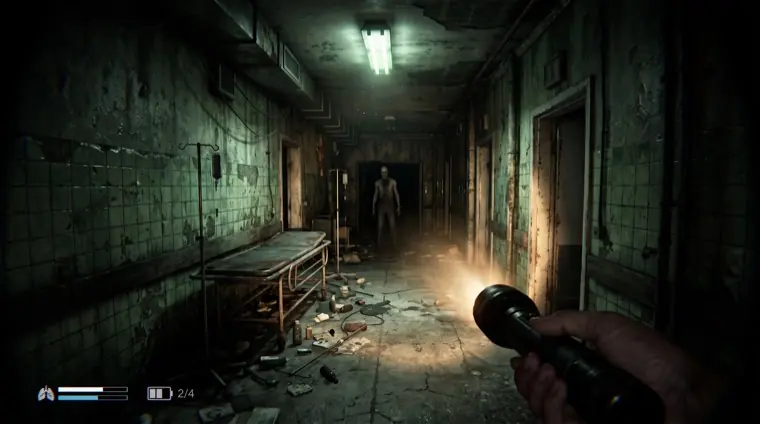
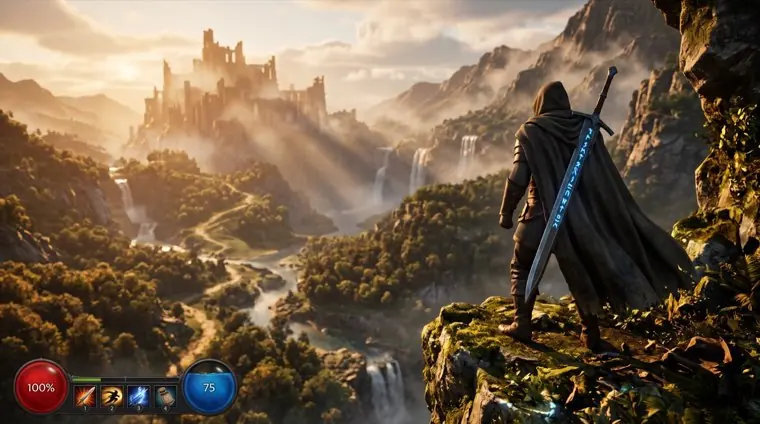
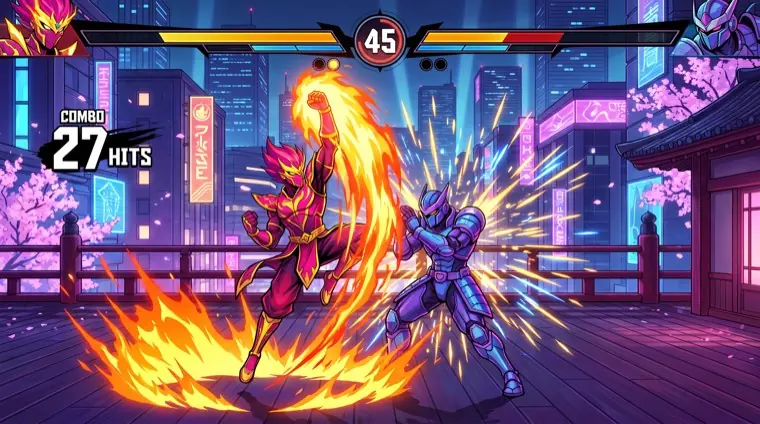
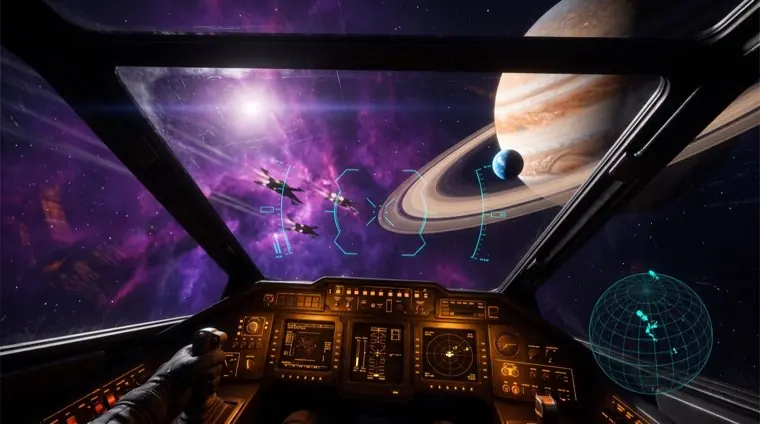
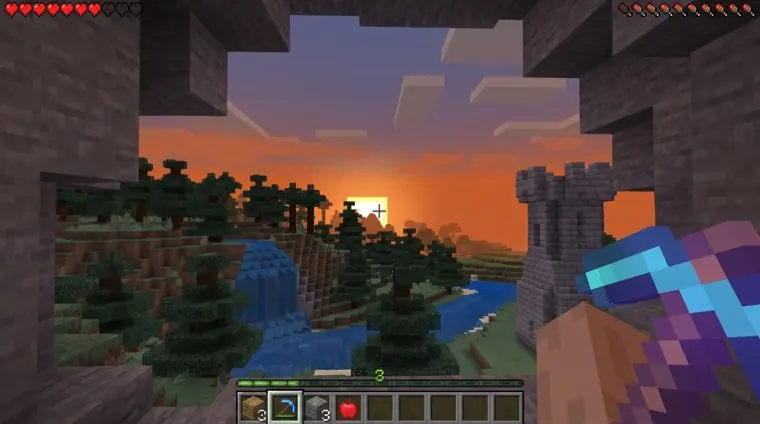
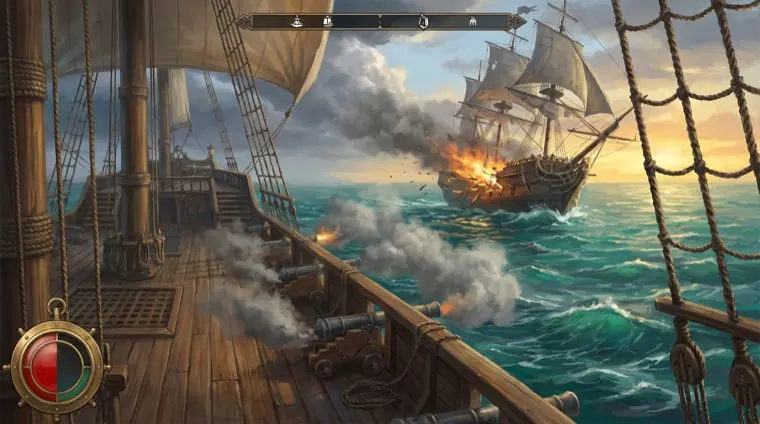
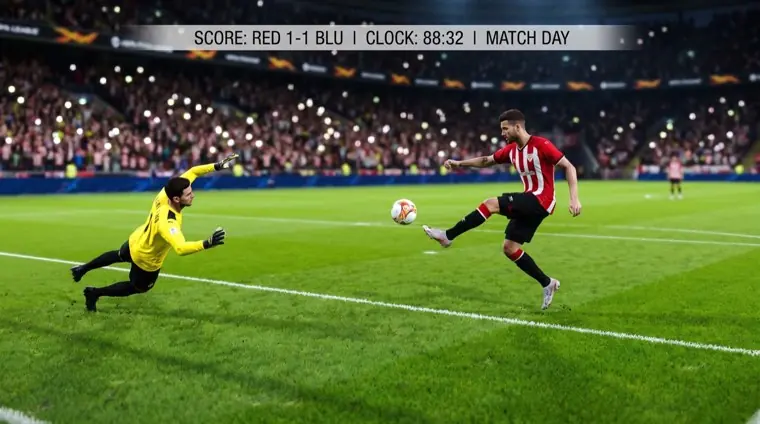
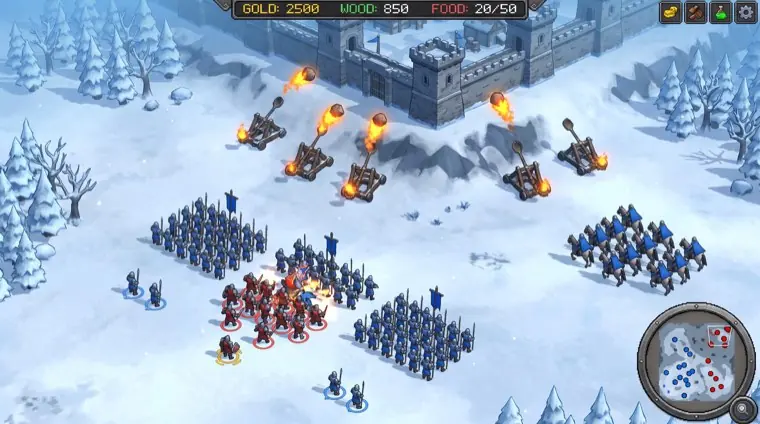
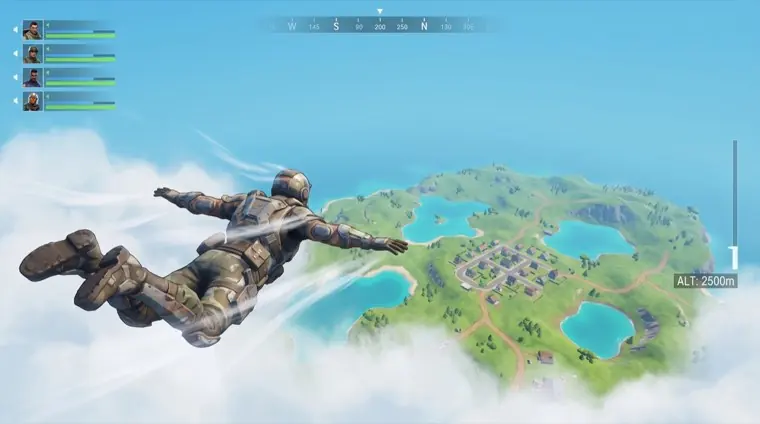
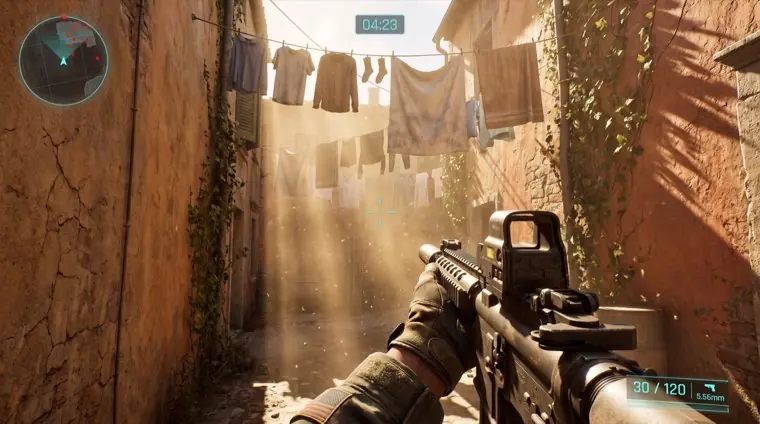
Every one of these was saved after it happened.
How it works
The last minute of your game is sitting in memory right now, being thrown away a frame at a time. Press the key and Hindsight keeps it instead.
HELD IN MEMORY 1:00
Nothing has touched your drive yet. This is the part everyone gets wrong.
Saved clips 0
Choose the game window from the sidebar. Hindsight starts holding it and keeps only the last N seconds in memory, never on your disk.
Encoding runs on the media engine, the dedicated silicon your Mac has for video. Your game keeps the GPU time it needs to draw each frame.
It works from inside a fullscreen game. The frames are already encoded, so the file lands in under a second while you are still playing.
Compatibility
Hindsight captures a game window or your display. It works with native Mac games, Steam, CrossOver, Game Porting Toolkit, Parallels, browser games, and emulators.
From native Mac titles to games running through RPCS3, Dolphin, PCSX2, RetroArch, or Parallels, if it appears on your Mac, Hindsight can clip it.
The app
Grouped by the game it came from, playable in the window, trimmed without re-encoding, and ready to share. Everything stays organized on your Mac.
12 clips · 1.4 GB · ~/Movies/Clips
TODAY
0:38
0:44
0:27
0:52YESTERDAY
0:19
0:22
0:31
0:18What it captures
Point it at the game window and that is all it can see. The message that arrives mid-fight is not in the clip, because it was never in the capture. Safe to post without cropping.
A window capture can take that game's audio alone: the shot and the footsteps, none of your friends talking over it. Flip it when the callouts are the best part. Your mic stays on its own track.
0.42s
hotkey → file on disk
remux · not a render
The frames were encoded the moment they happened, so saving copies them into a container instead of rendering them again. You are back in the fight before the notification finishes sliding in.
Storage & performance
Hindsight uses a fixed-size memory buffer. It does not create an hours-long recording while you play.
written to your drive until you save a clip
oldest framenow
ScreenCaptureKit captures the game and VideoToolbox handles encoding on the Mac media engine. A measured performance benchmark will ship with the release.
Pricing
Buy Hindsight once and keep the app forever.
$19.99 one time
Get an email when Hindsight launches.
Check your inbox for the confirmation link.
Free for 14 days first. No card up front.
VAT handled at checkout. Refunds within 14 days.
Questions
That is the idea. NVIDIA's instant replay never existed on macOS, Medal dropped its Mac client, and the one Mac app that did this well stopped being updated in 2020. Hindsight is the same mechanic, written against modern macOS, with window-scoped capture and per-game audio the old one never had.
Hindsight captures a window or a display instead of integrating with a game engine. That covers native Mac games, Steam, CrossOver, Game Porting Toolkit, Parallels, RPCS3, Dolphin, PCSX2, RetroArch, and browser games.
It is built not to. Capture and encoding go through ScreenCaptureKit and VideoToolbox, which use the media engine rather than the GPU time your game is spending, and the buffer never grows. We would rather publish a measured number than a marketing one, so a benchmark ships with the release.
OBS can do this, and if you already live in it you should keep using it. It is a broadcast console: scenes, sources, an encoder tab, and a replay buffer you have to arm every session. Hindsight is one menu bar icon and one key, and it is already armed.
Only if you want it to. A window capture takes that game's audio alone by default, so your friends are not on the clip. One setting switches it to the whole system when the callouts are the reason you are clipping.
Screen and system audio recording, which macOS asks for on first launch. The app walks you through it and detects the grant. Microphone is separate, and only if you turn that track on.
Into a folder you pick, sorted by the game they came from. The default is ~/Movies/Clips. A notification takes you straight to the file.
No. There is no account, no upload and no cloud tier. Clips are files on your disk and the app works with the network off.
It is on the way. The direct download and the App Store version are the same app, and either one is a single payment.
Yes. Everything is unlocked for 14 days with no card up front, so you can put it through a real session before deciding.